
The Haywood County Arrest Log Window
Start with one fact: the Haywood County Sheriff's Office posts no rolling booking list, no 72-hour, seven-day, or monthly roster. HCSO does run an automated phone line for current custody. That line checks today, not last month. The strongest dated multi-day source is the NC FetchYourNews Haywood arrest-report archive. Its titles carry weekly date ranges. Reports reach back to early 2023 and late 2022. The archive credits HCSO for its reports and photos. Some entries still note images are unavailable. Pagination runs at least eight pages deep, but nothing promises a fixed update day or complete coverage. A gap may reflect publishing choices, not a week without arrests in Haywood County.
How to Read the Haywood County Blotter
Start with dates. The report date, booking date, incident date, and court filing date can all differ, so match the date to the question being asked. One photo or a shared name is never enough.
- Find a weekly archive title whose range includes the event.
- Note the full name, date, arresting agency, and charges, plus whether images are missing.
- For current custody, call Haywood County Detention Center at (828) 452-6670, option 1.
- For a lasting booking sheet or photo, send HCSO a focused public-records request.
- Use NC eCourts or the Haywood Clerk to check later hearings and disposition.
This path still works after release. A missing phone result does not erase a booking. For something new, the Daily Arrest Report covers Haywood's same-day channels and processing lag.
Haywood Arrest-Log Entry Fields
A publisher may list more detail than HCSO reads over its automated phone line. Extra fields are not official facts.
| Field | How to read it |
|---|---|
| Full name | Confirm spelling with HCSO or court. |
| Booking date/time | Intake time, not always incident time. |
| Booking number | Jail identifier useful in a request. |
| Agency | The office that may hold its own report. |
| Charges | Initial charges that can change. |
| Bond | A status that a judge or magistrate may alter. |
| Photo | May appear; weekly coverage is uneven. |
| Disposition | Not a booking field; check court. |
A listed residence is not the arrest location. Skip needless personal data. When two people share a name, compare booking number, approximate age, agency, and date before calling it a match.
Weekend and Holiday Arrest Reports
A weekly batch groups several dates, which helps after a weekend or holiday stretch. Haywood County posts no official weekend schedule. Weekend bookings do not all surface Monday, and no single day sees a surge. Intake timing, release, editorial choice, and publisher schedules shape visibility. A quiet week is missing evidence. For known-person custody, call the detention line. For older documents, use the records form. City arrests split the paper trail: the police department holds the incident report, HCSO holds the detention record, and the Clerk holds the outcome.
Haywood Crime Map Is Not an Arrest Log
HCSO links RAIDS Online from its site. The crime map answers a different question. Sheriff announcements say the data syncs near 5 a.m. after the prior day. The map can show up to one year of crime information. It skips incidents inside four municipal limits. A mapped incident need not produce a booking, and missing town police data keeps the map from being a countywide blotter, as the official HCSO RAIDS page shows.
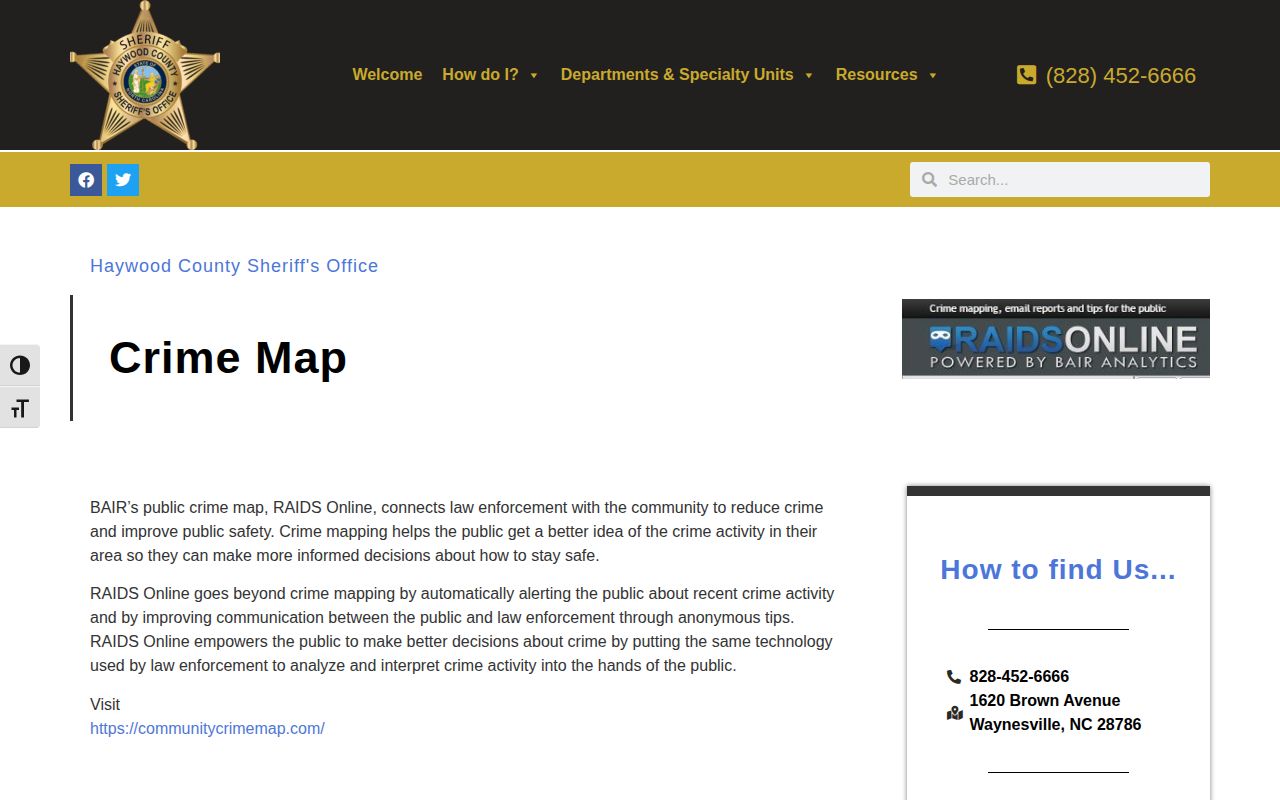
RAIDS gives incident and trend context. The detention line answers person questions. Booking records do too. Use RAIDS for patterns in sheriff jurisdiction, never to infer who was arrested. Waynesville, Canton, Maggie Valley, and Clyde events may follow other agency paths, so mapped totals cannot be compared with weekly booking reports.
Haywood Weekly News Blotter Patterns
Local outlets fill different roles. FetchYourNews offers the clearest weekly batches. The Mountaineer publishes crime, arrest, safety, and court stories without a complete booking blotter. Smoky Mountain News gathers event-driven regional reporting on investigations, court cases, and sentencing. Editorial articles choose which events to cover. That choice never proves other arrests did not happen. Images vary: reporter photos, file photos, agency shots, or none. Not every news image is a mugshot. A story can add context a booking list lacks, though the court record remains authoritative for disposition. The county Community History Archive adds searchable newspaper history, with Mountaineer material back to 1880 per the library page, and it can locate an old story rather than an HCSO booking record. Search several spellings within a narrow date range, then ask the agency or Clerk for the actual record.
Secondary Haywood Booking Archives
Commercial archives can surface a date or booking ID when news pages run thin. RecentlyBooked keeps a Haywood section. It offers booking details and photos where available. Updates run on their own schedules. Entries can linger after release, as the RecentlyBooked Haywood page shows.
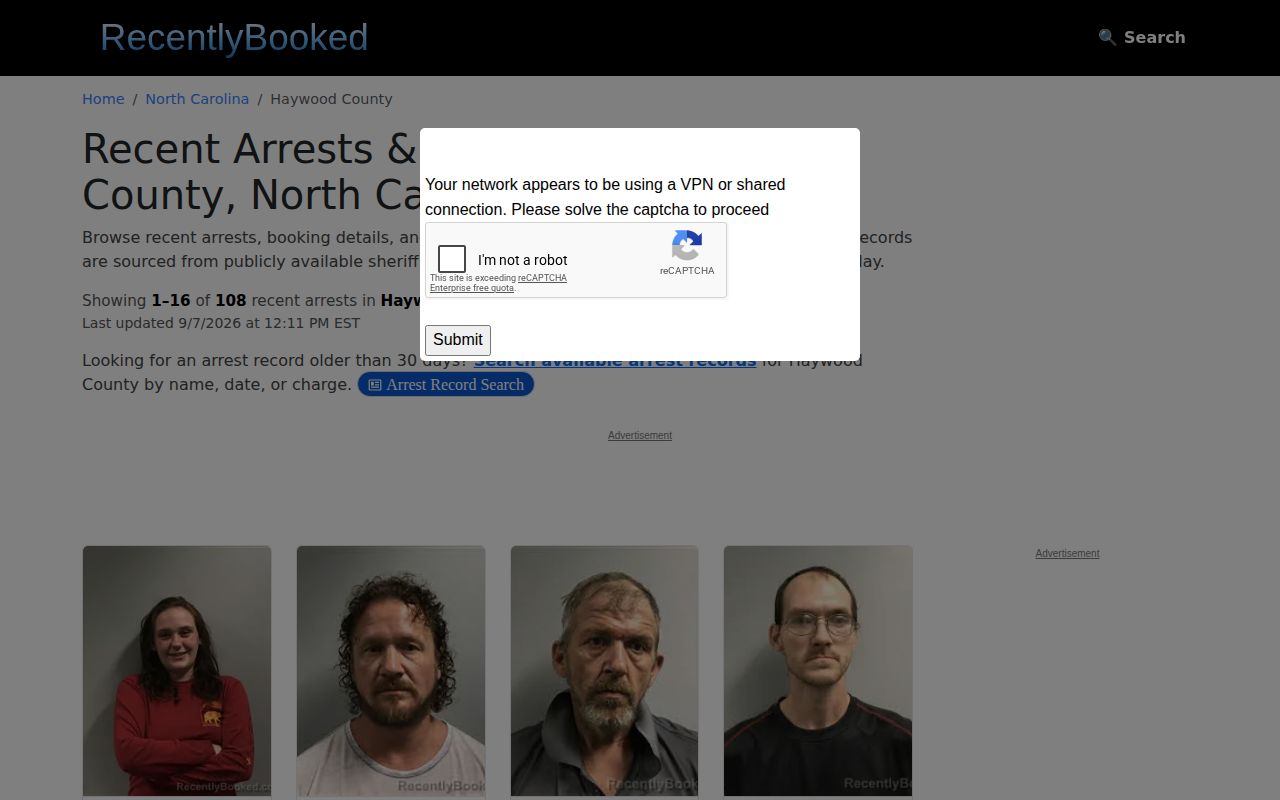
Treat such archives as leads only. Confirm identity, date, custody, and charge through HCSO and the courts. Mugshots.com also resolves to a Haywood archive. A listing there may show a photo, date, agency, charge, bond, or later status, none of it an HCSO guarantee, as the Mugshots.com Haywood page indicates. An old listing proves nothing about today.
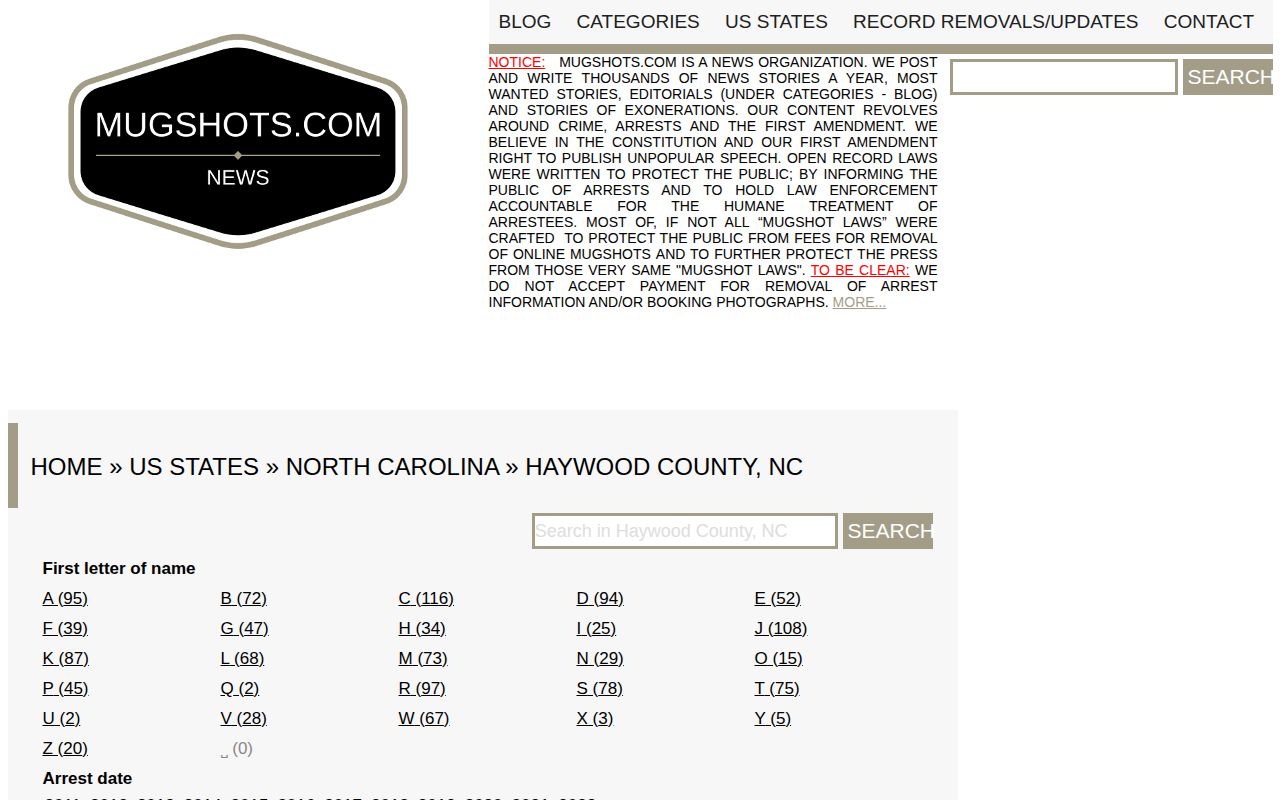
This is an archive interface, not a live Haywood roster.
Haywood Arrest Archives and Retention
A weekly Haywood County arrests page does not last forever. Ask HCSO directly. The old entry may have moved to a case file, transferred elsewhere, or met a destruction schedule. North Carolina sets one statewide sheriff records schedule. That schedule says nothing about whether a particular Haywood arrest record still exists. It only sets timelines. The schedule makes non-case arrest reports eligible for destruction five years after the arrest. Inmate entry and release records carry a three-year window. The clock starts after release or transfer. Weekly inmate lists can be destroyed once obsolete. Booking photos may follow a different rule. They can sit with an investigation or case file instead. These are categories, not a list of what HCSO actually holds. When you request a Haywood County arrest record, be specific. Name the agency, the person, a rough date range, and the record series. Records that joined a court file belong with the Clerk. NC Archives keeps some historic material, but no complete Haywood mugshot collection exists there. A newspaper story can outlive an agency record, though it carries different weight.
Verify Every Haywood Arrest Outcome
One booking can look final and still be wrong on the facts that matter. Charges get reduced, dropped, swapped, or resolved at trial. Always check the court outcome before repeating what a roster said. Start with NC eCourts. Search by name or case number. Take anything unclear to the Clerk of Court. Court records list the actions, hearings, and final disposition that a jail roster cannot. The Haywood County recent-arrests guide breaks down the rest. It shows how booking, custody, court, state, and federal records differ.